
Upgrade to Pro
Pro Plan
 Cancel anytime.
What is FabToolkit Pro?
Level up your Fabrication game with advanced exports, deeper project power, and pro-grade tools built for fabricators ready to take every build further.
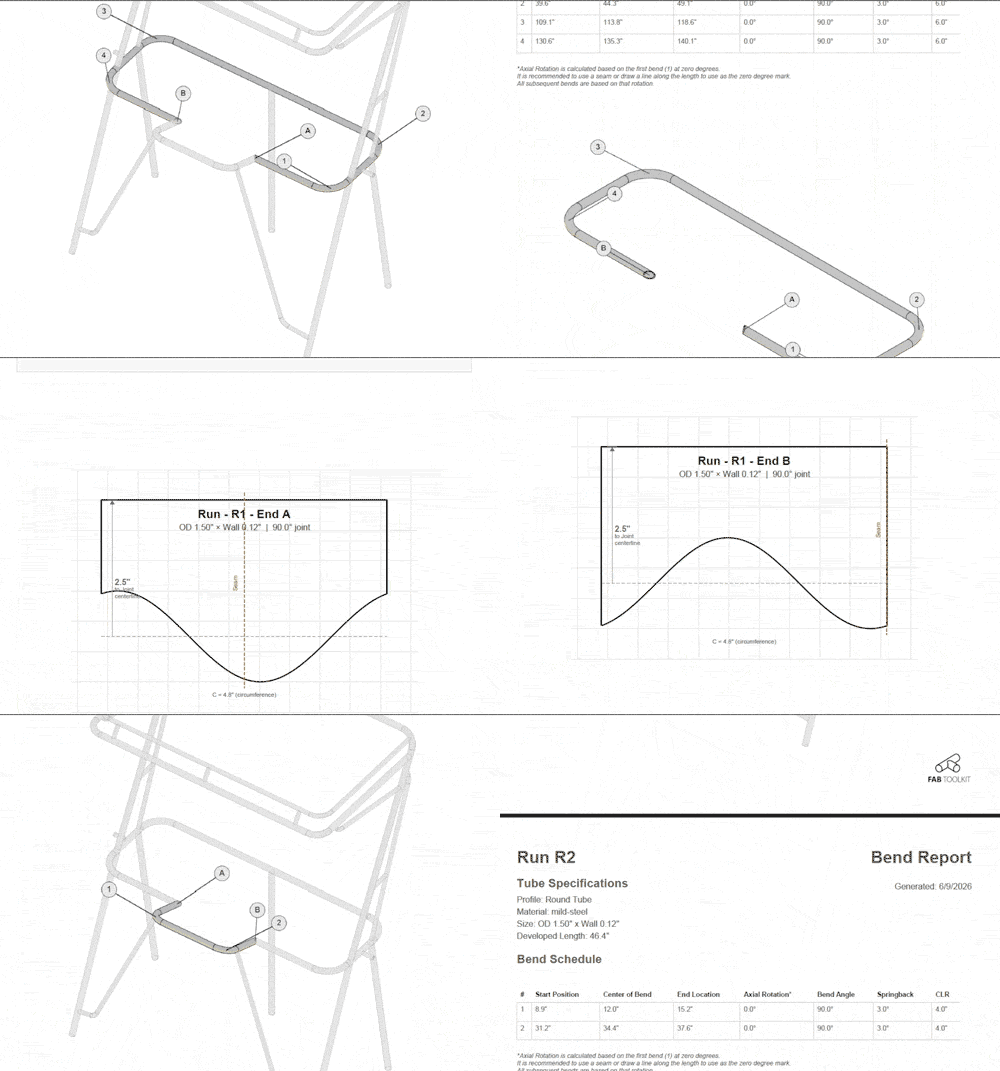
FitUp — Assembly Reports
Unlock full print-ready reports from your FitUp assemblies. Free users can build and view — Pro unlocks the PDF exports.
- Full assembly report with cut list and end treatments
- Printable cope and miter templates for every joint
- Per-item and per-run report exports
- Save and reload assemblies across any device
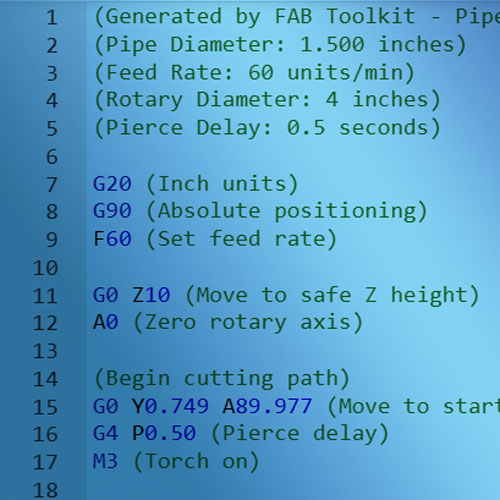
G-Code Export
Direct machining instructions for CNC pipe cutters and rotary tables.
- Configurable feed rates and axes
- Supports rotary 4th axis
- Pierce delay control
- Machine-ready output
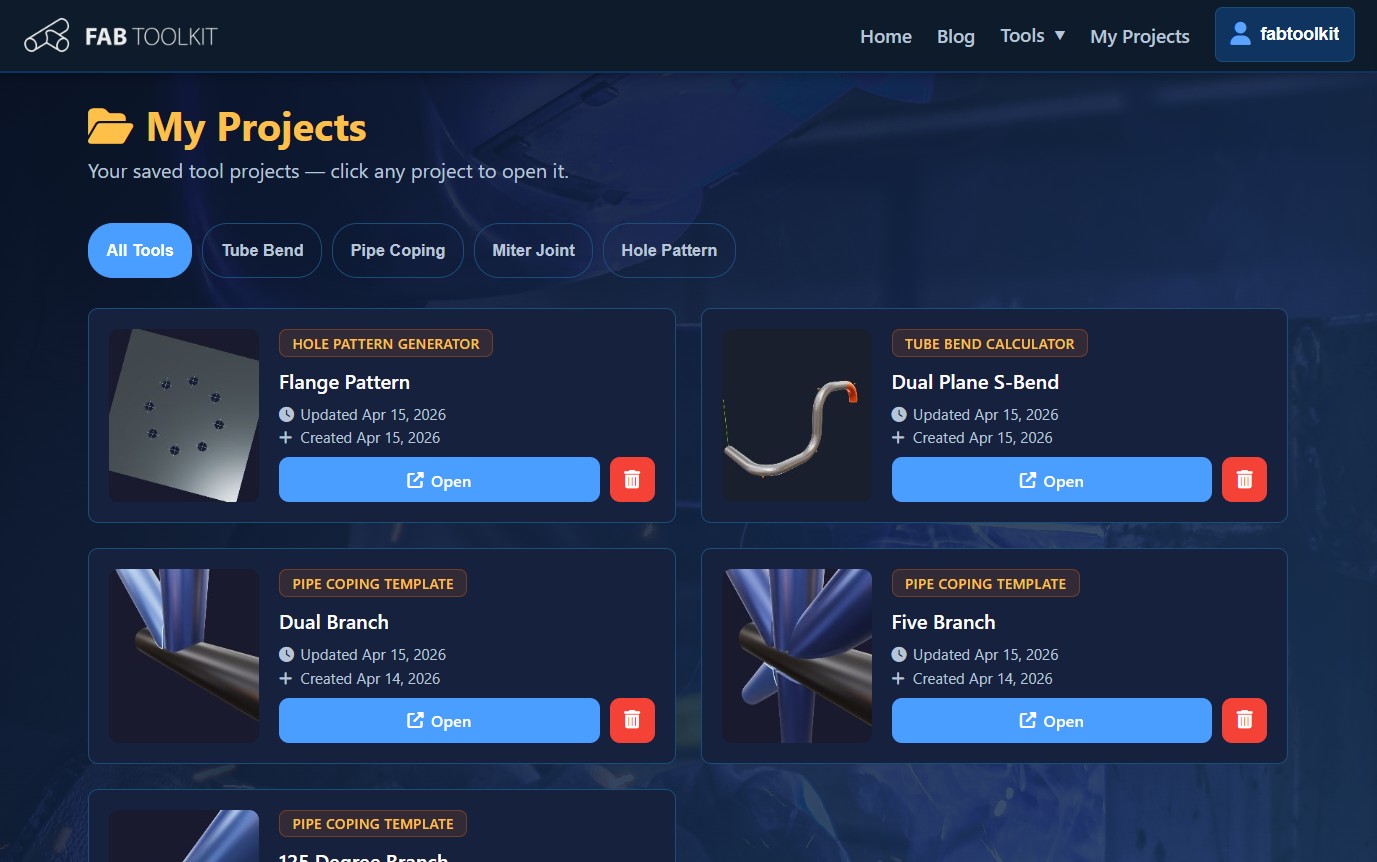
Saved Projects
Save your work and pick up right where you left off - across any device.
- Save unlimited projects to your account
- Access from any device or browser
- Organize and revisit past templates
- Sync settings and configurations
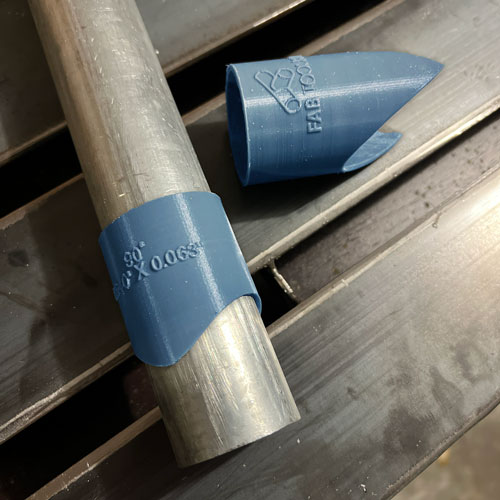
3D printable template (STL)
Generate 3D printable templates sleeves for additive manufacturing workflows.
- Fits over your pipe for precise marking
- Includes pipe size and angle labels
- Rigid and Durable for repeated use
- Perfect for complex geometries
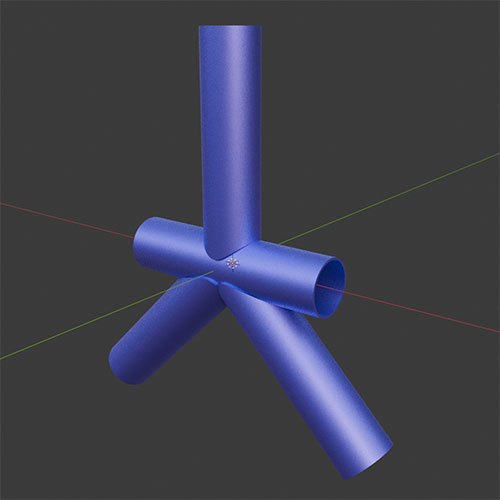
OBJ/STL Export
Universal 3D format compatible with CAD and modeling software.
- Import into CAD and modeling software
- Full 3D geometry for verification
- Industry-standard format
- Perfect for documentation
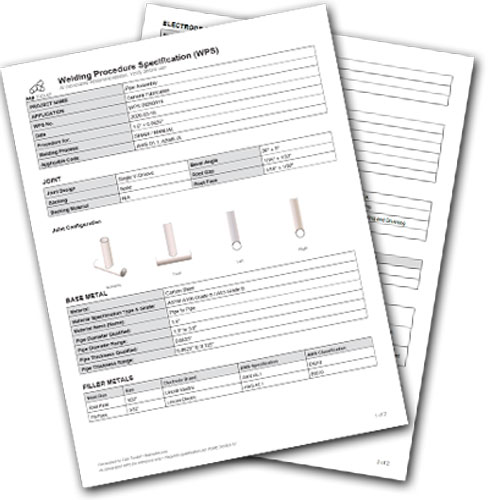
WPS Generation (Experimental)
AI-powered Welding Procedure Specification documents.
- Material-specific recommendations
- Joint preparation details
- Welding parameters and settings
- Professional documentation

DXF Export
2D templates optimized for CNC plasma and laser cutting.
- Ready for plasma/laser cutters
- Flattened templates for sheet metal
- AutoCAD compatible format
- Precise dimensional accuracy
| Feature | Guest | Free Account | ⚡ Pro |
|---|---|---|---|
| Tools | |||
| Basic features of all fabrication tools | ✓ | ✓ | ✓ |
| Print PDF templates and Reports | ✓ | ✓ | ✓ |
| FitUp — 3D Assembly Tool | ✓ | ✓ | ✓ |
| FitUp — Assembly Reports & Cut Templates (PDF) | ✕ | ✕ | ✓ |
| Saved Projects | |||
| Save projects to your account | ✕ | Up to 3 | Unlimited |
| Access projects from any device | ✕ | ✓ | ✓ |
| Pro Exports | |||
| DXF Export | ✕ | ✕ | ✓ |
| G-Code Export | ✕ | ✕ | ✓ |
| OBJ / STL 3D Model Export | ✕ | ✕ | ✓ |
| 3D Printable Marking Sleeve (STL) | ✕ | ✕ | ✓ |
| AI Welding Procedure (WPS) | ✕ | ✕ | ✓ |
| Account | |||
| Priority support | ✕ | ✕ | ✓ |
| Early access to new features | ✕ | ✕ | ✓ |
Ready to go PRO?
Frequently Asked Questions
Can I cancel at any time?
Yes. You can cancel your Pro subscription at any time from your account page. You'll retain Pro access until the end of your current billing period.
Can I use these for commercial projects?
Yes. All exports generated with a Pro account can be used for commercial fabrication projects without restriction.